
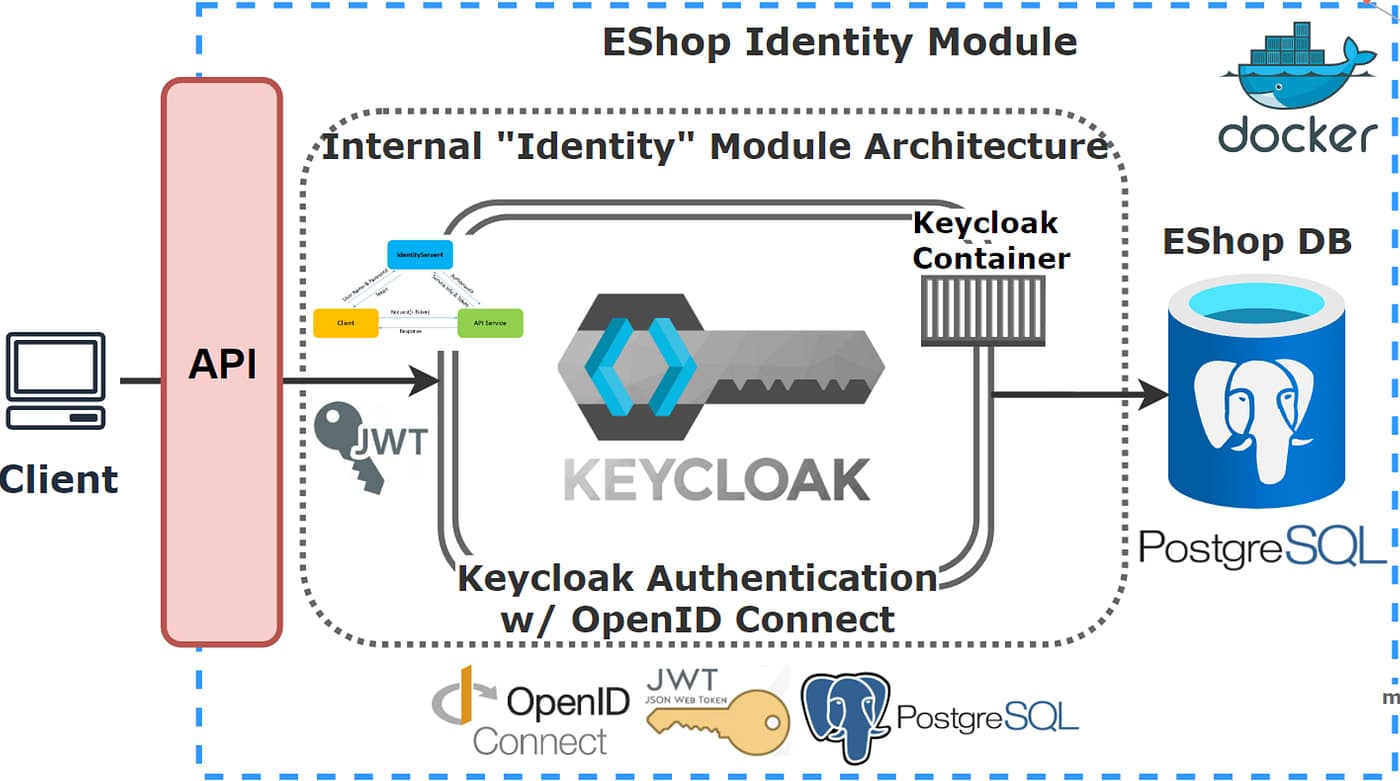
Keycloak Integration with Spring Boot — JWT Auth Done Right
Keycloak is a powerful open-source identity provider. Pairing it with Spring Boot gives you enterprise-grade auth with minimal code.
Keycloak Setup
Create a realm (e.g., styles-hub)
Create a client styles-hub-backend — set Access Type to confidential
Create a public client styles-hub-frontend for your Angular/Next.js app
Add roles and assign them to users
Spring Boot Dependencies
application.yml
spring: security: oauth2: resourceserver: jwt: issuer-uri: https://auth.yourdomain.com/realms/styles-hub
SecurityFilterChain
@Bean public SecurityFilterChain securityFilterChain(HttpSecurity http) throws Exception { http .csrf(csrf -> csrf.disable()) .authorizeHttpRequests(auth -> auth .requestMatchers("/api/v1/public/**").permitAll() .anyRequest().authenticated() ) .oauth2ResourceServer(oauth2 -> oauth2.jwt(Customizer.withDefaults())); return http.build(); }
Extracting Roles from JWT
Keycloak puts roles inside realm_access.roles. Create a JwtAuthConverter to map them to Spring GrantedAuthority objects so you can use @PreAuthorize("hasRole('ADMIN')").
Common Gotchas
Make sure hostname in Keycloak config matches the issuer URI exactly
Disable Update Profile required action — it blocks all logins silently
Use the full HTTPS URL as the issuer, not just the hostname
<dependency>
    <groupId>org.springframework.boot</groupId>
    <artifactId>spring-boot-starter-security</artifactId>
</dependency>
<dependency>
    <groupId>org.springframework.boot</groupId>
    <artifactId>spring-boot-starter-oauth2-resource-server</artifactId>
</dependency>